- Increase length of Culet marking Line
- New parameters Tilting data, Part weight, Distance
to Holder are included into rough reports
- Pictures with Crown (Table) facing up and Pavilion
bottom are available in the reports
- Working with Oxygen`s inclusions by Tool option
- Bound Marking Option
- Fixed bug: Laser Marking for Girdle Form from Pavilion
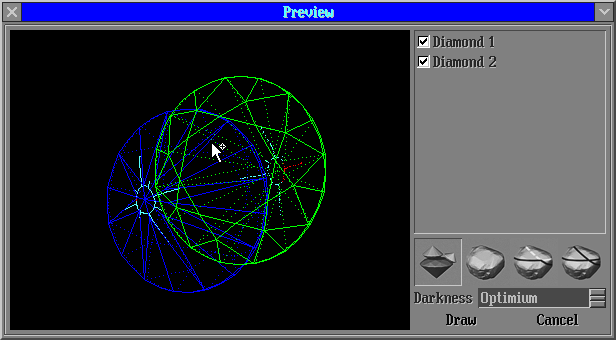
1. Increase length of Culet marking Line
Length of 4 lines are increased into half length of pavilion.
2. New parameters Tilting data, Part weight, Distance
to Holder are included into rough reports
New parameters are included into rough reports: Tilting data, Part weight, Distance
to Holder.
Please see example of new report:
The parameters output into reports with follow bookmarks names:
Tilting (DIAMOND_TABLE_TILT_x)
DIAMOND_TABLE_TILT_1
DIAMOND_TABLE_TILT_2
...
Part weight (DIAMOND_NEXT_PART_WEIGHT4_x)
DIAMOND_NEXT_PART_WEIGHT4_1
DIAMOND_NEXT_PART_WEIGHT4_2
...
Distance to Holder (DIAMOND_TABLE_DIST_TO_HOLDER_x)
DIAMOND_TABLE_DIST_TO_HOLDER_1
DIAMOND_TABLE_DIST_TO_HOLDER_2
...
3. Pictures with Crown (Table) facing up and Pavilion bottom are available in the reports
Crown (Table) facing up is set as default view for pictures with PictureID=DIAMOND_PIECE_REPORT_MODEL in .ini files.
All other views (crown, pavilion, etc.) can be received using standard rotation X,Y,Z=... as early.
To disable this behaviour should be included the command in a picture`s block with PictureID=DIAMOND_PIECE_REPORT_MODEL:
DiamondView=disable
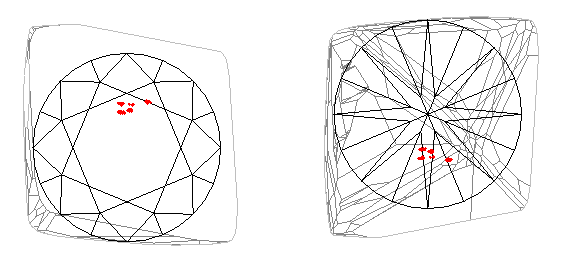
Please see examples of the report in the previous section 2, "New
parameters Tilting data, Part weight, Distance Holder are included
into rough reports".
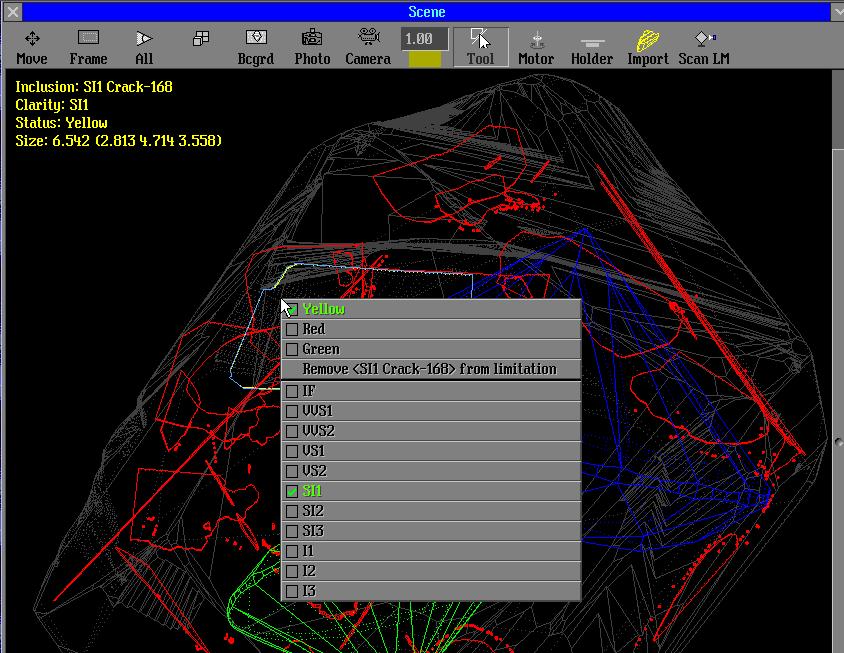
4. Working with Oxygen`s inclusions by Tool option
The information about inclusion is displayed in the Scene. Status
and clarity can be changed by Tools option. Inclusion can be removed from limitation list.
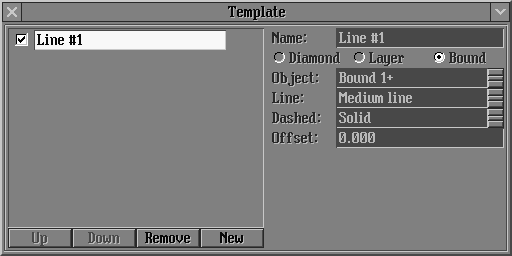
5. Bound Marking Option
This option allows draw Bound Marking Line.
Versions history
|
















