- Solved problem in Bound Marking Option. Now every
Bound object is "one-side" restriction.
- New features for encoding diamond price with special
PL-series keys
- Import solutions is available from *.oxg files
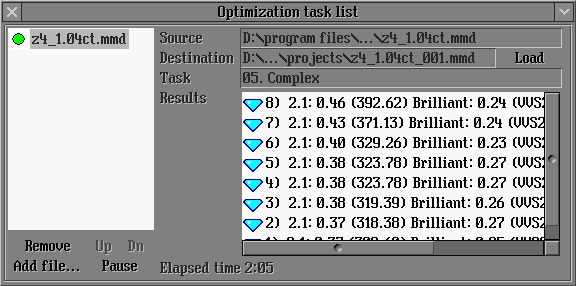
- Solutions ID are available in the Optimization task list
1. Solved problem in Bound
Marking Option
Now every Bound object is "one-side" restriction. The active part
of models has green colour in Tools mode.
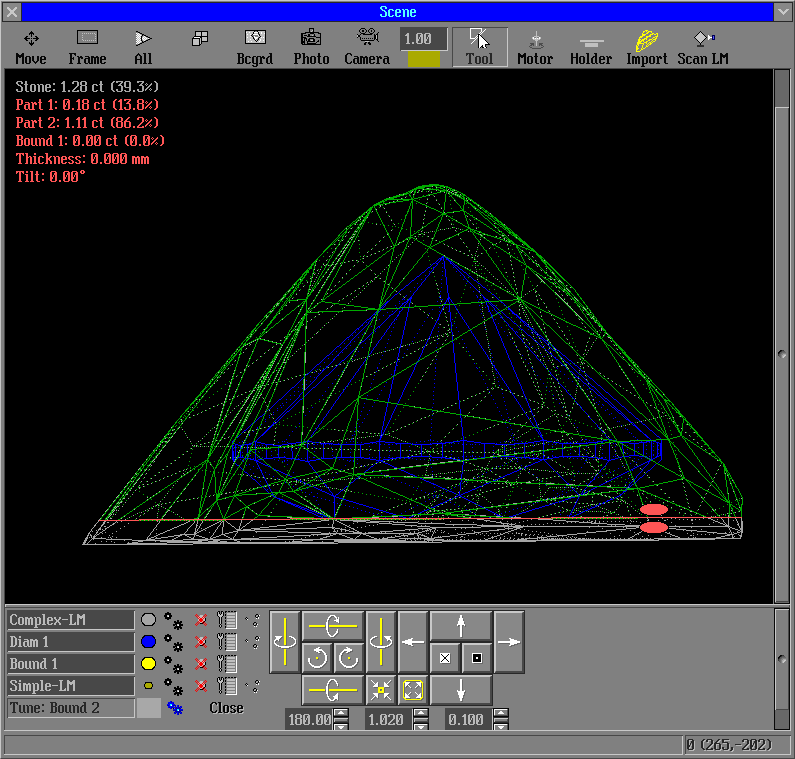
Use option Revert to make active part of model you need.
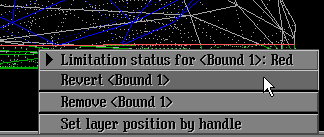
Now when you create bound it starts in editing mode automatically.
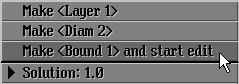
2. New features for encode diamond price with special
PL-series keys
Price list and solutions prices encoding are released by special PL-series keys. This option is available for working with all programs: Pacor Client, Helium Speed, Helium Rough and Helium Polish.
- There are Master and Normal PL keys. The Price List can be encoded via Master Key only. Please use command "EncodePriceListFolder infolder outfolder" or "EncodePriceListFile infile outfile".
- Set flag /Private into command LoadCCFAppraiser filename /Private to read (decode) Price List.
- The solutions prices are saved in mmd file with using encoding. The prices will be equal "0" if you try to read encryption mmd file without key.
- Normal key allows to decode Price Lists and diamonds prices when you read an mmd file. The normal key do not allow encoding Price Lists and do not show full prices of diamonds. You can see differences of diamonds prices only.
- Master key allows to see the real price of the diamonds. This key be able to save the diamonds prices in mmd file without encoding. Please use option Start\Inner\Decode price list...\Save open price in file.
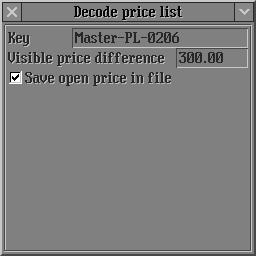
Sample of encoding diamond price and solutions
with special PL-series keys
3. Import solutions is available from *.oxg files
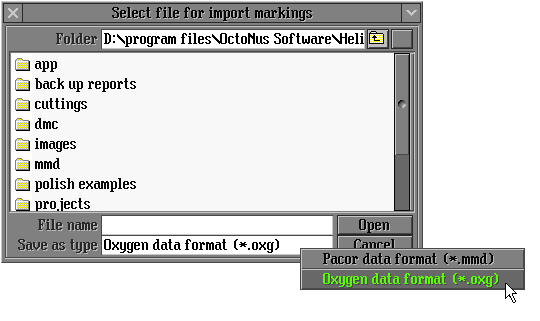
Now import solutions is available from *.oxg files.
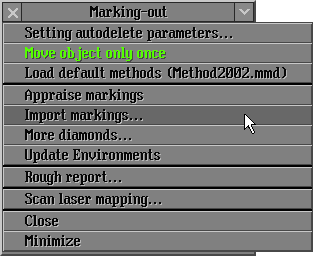
Select Import marking... from Marking-out panel.
Import *.oxg files in the panel Select file for import markings.
4. Solutions ID are available
in the Optimization task list
Versions history
|
















