|
There are two ways for using different cuts in diamond allocation in Pacor:
1) Built-in parametric cuts. This technology allows to achieve the highest precision and flexibility in allocation (search for optimal allocation with variation of up to 15 cut parameters simultaneously)
2) ASCII cuts. This option allows to use almost any arbitrary cut in allocation (even the diamond model obtained by scanning real stone). However only three cut parameters available to optimize allocation: crown, girdle and pavilion depth. Another point is that system of parameters is the same for all these cuts, though real cuts have differences. For example round cut and step cut have generally different approach for pavilion depth definition.
How to upload external cut modules into Pacor Client/Helium Rough software
The list of built-in cuts in the Pacor software includes the most
common cuts like round brilliant cut, princess, fancy round, emerald
cut etc.
Today the OctoNus clients receive the possibility to use original
parametric cuts created by themselves in the Pacor software.
It allows:
1) Using the possibilities of the cut most flexibly and most completely.
In the sample cut you will find two special parameters modifying
the shape of the girdle.
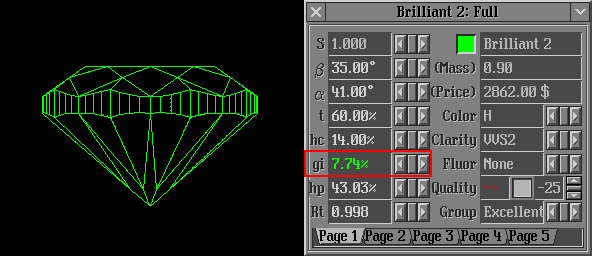
Parameter gi modifies girdle thickness
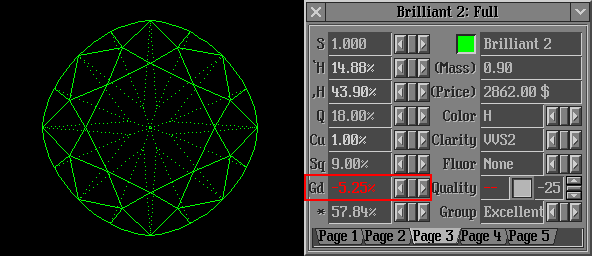
Parameter Gd modifies roundness
2) Creating independently and protect your competitive advantage
either during the work with new cuts or during the extended work
with existing cuts. The cut libraries created by you will be available
only to your operators.
External Cut modules and samples download
You can extend the list of cuts with your original cut(s) using
external cut module. External cut module is a dynamic link library
(DLL) that holds the geometry structure of one or several cuts and
contains necessary geometrical calculations.
If you want to use or create your own external cut DLL please visit
download page or
see samples below.
The samples of External cut DLL's should be placed in the
folder Cuttings. They may also be loaded within specific commands in configuration
files.
Cushion P36C32
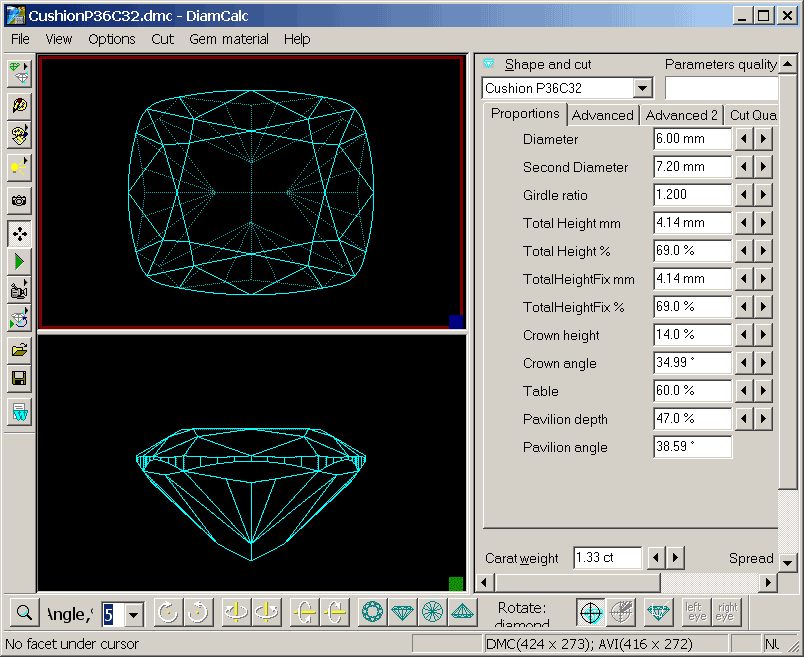
Download External cut Cushion
P36C32 (CushionP36C32.dll, 104 Kb).
Radiant P28C24
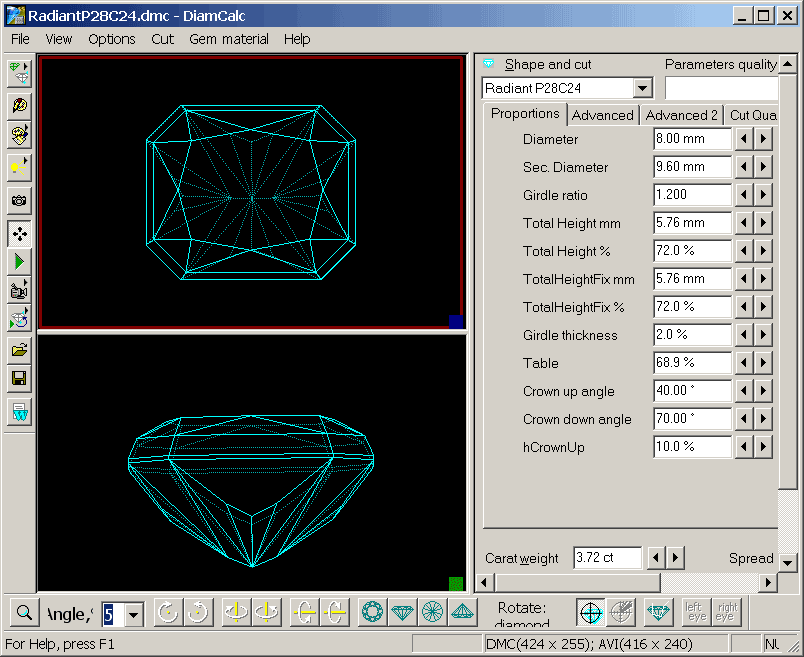
Download External cut Radiant P28C24 (RadiantP28C24.dll, 80 Kb).
Pear
This package contains the source codes, the detailed specifications and requirements
to external cut dll along with the Pear cut sample.
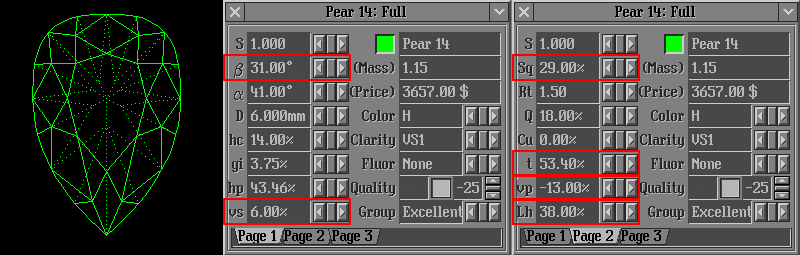
Parameters vs, vp, Lh and Rt modify the shape of girdle
in plane. Parameters b, Sq and
t are the same as for brilliant (see crown
angle, star
facets and table diameter)
Download External
cut (pear) (ExtCutSamples.zip, 68 Kb).
Parallelepiped
This package contains the source codes, the detailed specifications
and requirements to external cut dll along with the Parallelepiped
(Prism) cut sample.
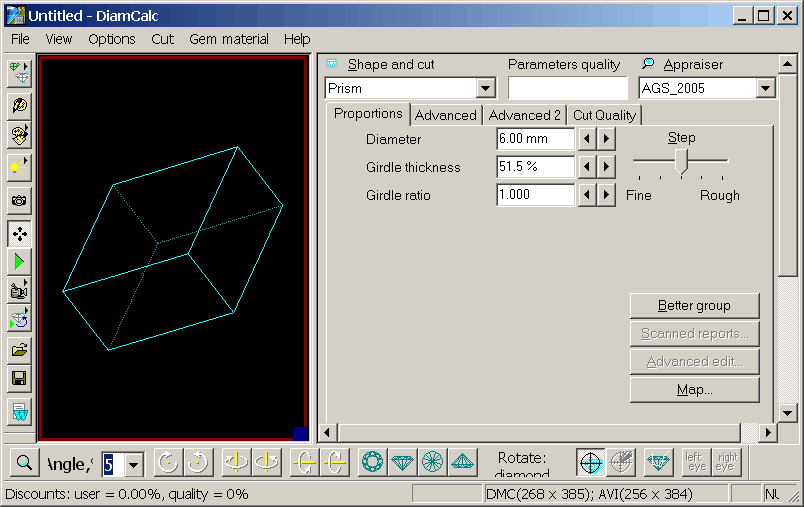
Parameter Girdle thickness modify height of parallelepiped.
Parameter Girdle ratio modify width and length ratio.
Download External
cut (parallelepiped) (ExtCutParallelepiped.zip, 13 Kb).
Download more external cuts..
|
















