|
What is Oxygen Inclusion?
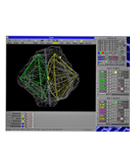
The Oxygen Inclusion is the software developed for work with the
projects created by Oxygen Microscope Server, Oxygen Immersion, Helium HIG, Helium Rough, etc.
Oxygen Inclusion allows to explore and work with the diamond cutting solutions:
finding inclusion using photographs from M-Boxes, Helium Rough, Helium HIG and Pacor systems,
allocating diamonds, to evaluating prices of the different possible
solutions and quality of the polished diamonds, creating Customer and Polish reports, very defined and customized..
The Gallery
Samples *.oxg files with photos.
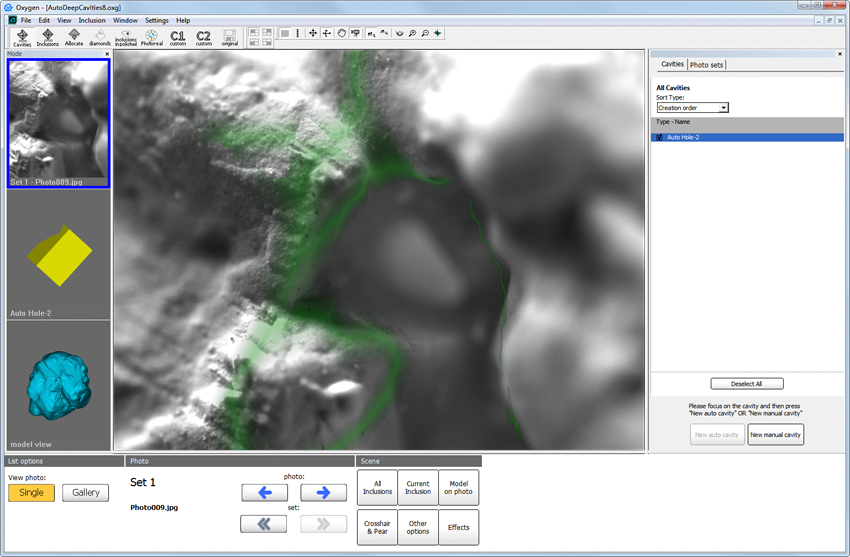
The Oxygen Inclusion is designed for diamond cutters and sale specialists dealing with rough diamonds, manufacturers and technologists. The software can be used for training and education. This system is beneficial for factory production and process control.
What is new in Oxygen Inclusion?
May 30, 2016 - Oxygen Inclusion 3.18.60 build 1627 is released.
September 16, 2014 - Oxygen Inclusion 3.6.0 build 1180 is released.
February 10, 2012 - Oxygen Inclusions software version 3.3.4 build 862 is released. More details...
Download
Oxygen Inclusion download
Related
Hardware |
Related
Software |
| M-Box 2.0, M-Box 1.5, M-Box, Helium IG, Helium Rough |
Helium Rough, Oxygen HIG, Oxygen Immersion, Oxygen Microscope Server, Pacor Client, Oxygen D-Z |
| See more details in Process Flow table below |
Related products and Process Flow
| Steps / Process |
Old process Without Immersion Glass |
Modern process
With Immersion Glass |
| Scan / Estimate rough during purchase |
Helium Tender
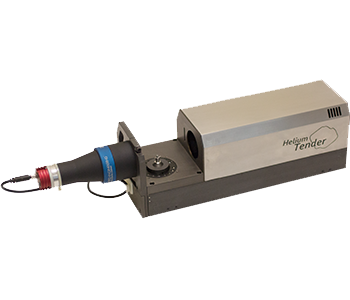
Scanning or Preliminary scanning of 3D Model of rough |
| Scanning of rough |
Helium Rough
Scanning 3D Model of rough |
| Software for working with Helium Rough and Helium Tender scanners |
Helium Rough Software download |
| Immersion Glass Molding |
Not available |
Immersion Glass
In this technology, Immersion Glass material is used. Immersion Glass is the material having nearly same Refractive Index value as Diamond and is solid at Room temperature and melts to liquid at
around 100°C. We can heat Immersion Glass and Diamond in cubical mold so glass and diamond will become a single entity and reflections of inclusions will be removed. Due to absence of reflections, plotting on M-Box is more precise, very easy and can be done by even non-experienced operator. |
| Immersion Glass cubical mold Scanning |
Not available |
Helium Rough
Scanning 3D Model of Immersion Glass cubical mold with rough inside
|
| Plotting of Inclusions |
Making set of photos on Helium Rough scanner. Then inclusion including VS to I can be plotted manually on M-Box/Helium Rough photos. |
Helium IG (HIG)
Completely Automatic Plotting System for Inclusions VS2-I3
HIG uses 3D model obtained on Helium Rough.
HIG makes set of photos with very high depth of sharpness for better viewing of inclusion. |
| Software for working with HIG scanner |
- |
Oxygen HIG Software |
| Further plotting of Inclusions on M-Boxes |
M-Box or M-Box 1.5
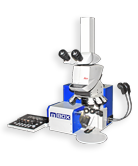
M-Box - 5 Axis-Microscopic inclusion mapping system for Helium Rough
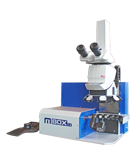
M-Box 1.5 - 6 Axis Motorised M-Box with Stereo Viewing through Oculars |
M-Box 2.0
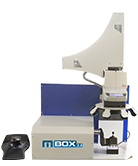 M-Box2.0 - 6 Axes - Completely Motorized Microscopic - 3D Automatic Inclusion Plotting System
|
| Software for working with M-Boxes |
Oxygen Immersion
Oxygen Microscope Server |
| Software for working with projects from M-Boxes |
Oxygen Inclusion |
| Software for allocation and planning |
 |
Pacor Client - Detecting the most profitable option of rough marking. |
 |
Oxygen D-Z - D to Z color estimation: Enhancing value while planning/optimizing. |
|
| Scanning and grading diamonds |
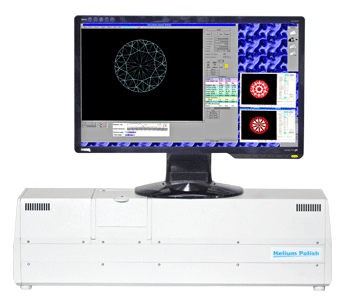 |
Helium Polish - Scanning 3D Model of diamond. Creating detailed reports. |
|
| Rapid making high quality photos and videos of polished diamonds |
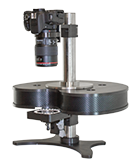 |
DiBox - Rapid Photography System captures images of polished diamonds under various structured lighting environment and make it ready for Printing or web publishing. |
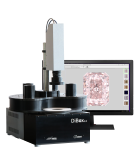 |
DiBox 2.0 - Rapid Photography System captures images and movies of polished diamonds under various structured lighting environment and make it ready for Printing or web publishing. |
|
| Making 3D video and photo of diamonds |
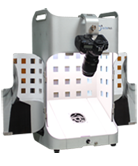 |
ViBox - The Video Box allows the manufacturer to prepare images and movies 3D for the diamond and diamond jewelry. |
|
| Visualizing of 3D models of polished diamonds and other gemstones, grading and making reports |
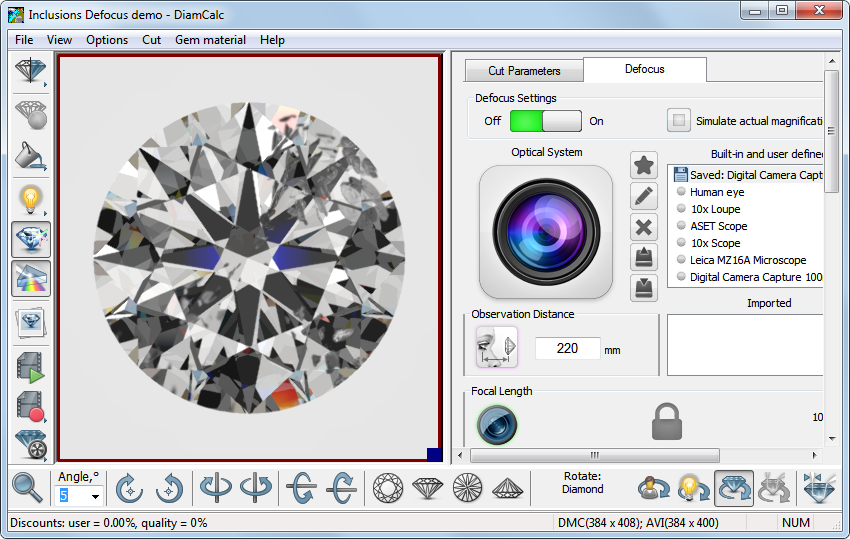 |
DiamCalc - For jewelers,diamonds graders,sale specialists dealing with diamonds and diamond jewelry, manufacturers,technologists |
|
| Free software for visualizing of 3d models of diamonds, exploring solutions, for 3d video of diamonds and jewelry |
GemAdviser Free Version Oxygen Viewer Free Version Stereo Viewer Free Version |
|