|
New feature of the HeliumRough 3.99 encode diamond price with special PL-series keys
Encoding price-list
- Use Master key for encode Price-list.
- Take a Price list you want to encode, for example, download the archive with Price lists from Lexus site: http://lexus-com.com/Download/Software/pricelist.zip
- Copy files with prices from archive into separate folder. For example, «C:\Program Files\Helium\infolder\»
- Run command "EncodePriceListFolder infolder outfolder" in the command line of the panel DISPLAY
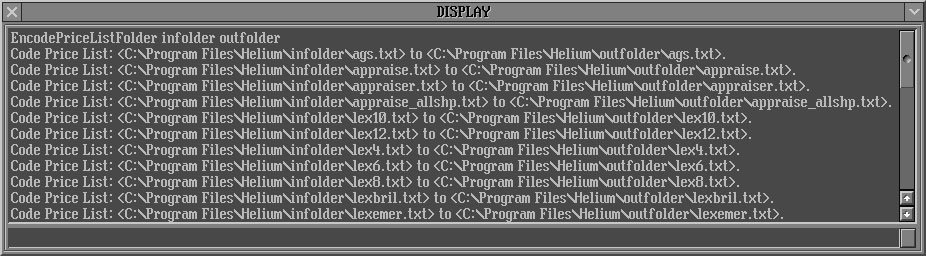
- The prices are encoded and you can find it in the folder «C:\Program Files\Helium\outfolder\»
Reading (decoding) price list
- Use Master key and Normal key for encode Price-list.
- Run "LoadCCFAppraiser outfolder\lexprice.txt /private" in the command line of the panel DISPLAY
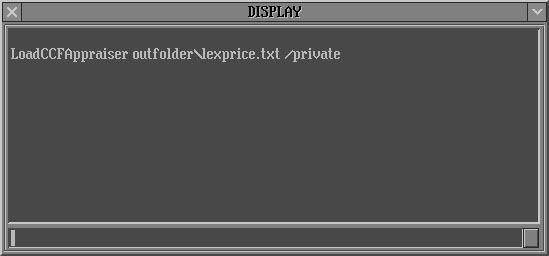
- Or add this command "LoadCCFAppraiser outfolder\lexprice.txt /private" into the file HeliumBat.ini.
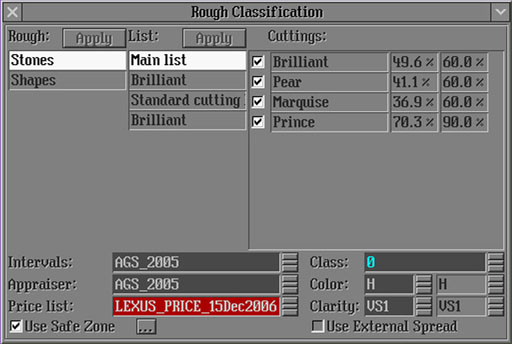
- The Price list is decoded and ready to use. You can select it in the Rough Classification panel. Encoding prices are marked in red.
View the diamond solutions prices
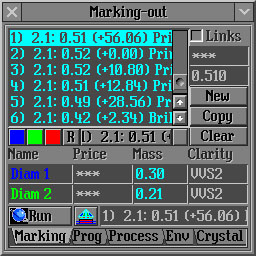
- Master key allows to see the real diamond solutions prices:
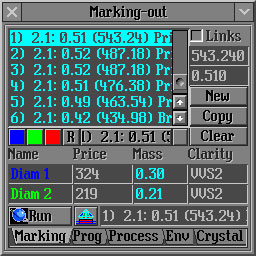
- Normal key allows to see the differences of the diamond solutions prices:
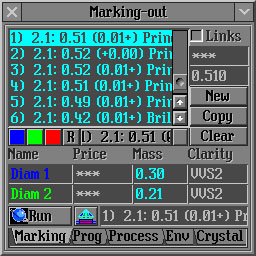
- The diamonds solutions prices are equal 0 without using keys:
New feature of the HeliumRough 3.99 encode diamond price with special PL-series keys
|














