- Enumeration of solutions
- Change status of yellow inclusions for Swim, Bound
swim, Recut and etc algorithms in Tools
- Export mmd file name into Roughvalues.txt
- "Rough report" button on the scene
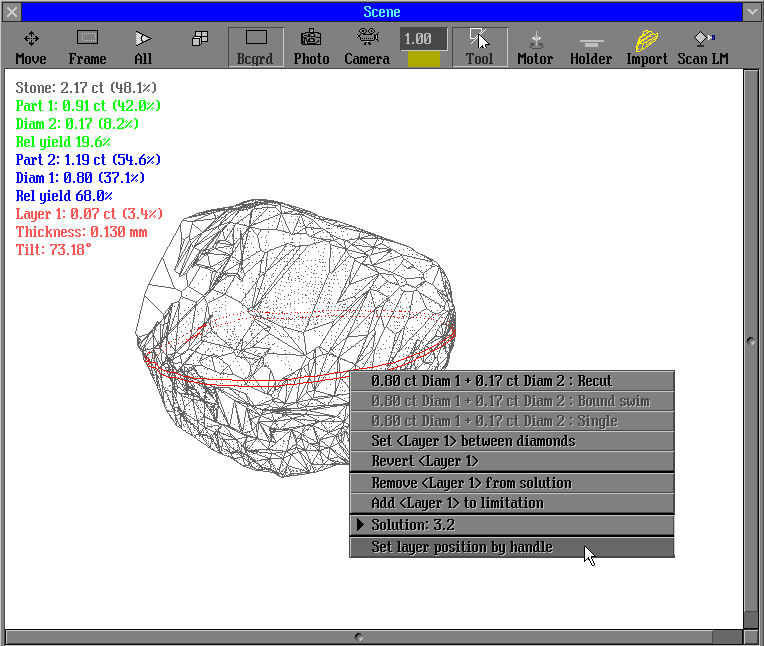
- Option "Set layer by handle" in Tools menu
1. Enumeration of solutions
The solutions are numbering in new version. To switch on/off this feature use the panel start/inner/options (optimization), "Set ID for solutions" flag.
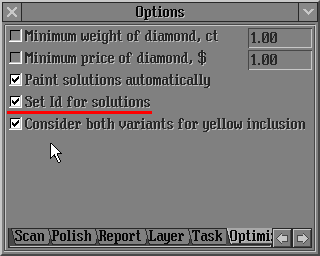
The default setting of this option is switched on.
2. Change status of yellow inclusions for Swim, Bound swim, Recut and etc algorithms in Tools
There are two options of new feature:
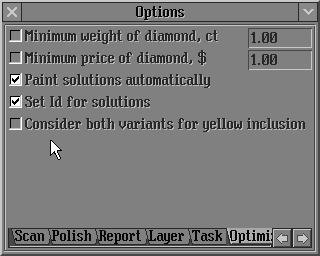
1) New behaviour of algorithms Swim, Bound Swim, Recut and etc allows obtain the solutions without worsening of clarity. Before an optimization process yellow inclusions around the diamond are marked as green if its clarity are the same as the diamond clariry or its clarity are better; and are marked as red if inclusions clarity are worse then the diamond clarity.
To use this behaviour the option "Consider both variants for yellow inclusion" should be switch off:
2) Consideration of all yellow inclusions as red as well and green inclusions.
The option "Consider both variants for yellow inclusion" should be switch on:
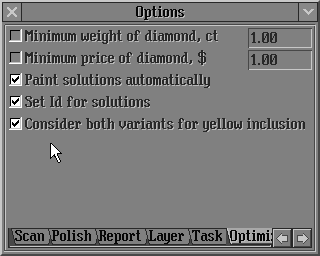
The default setting of this option is switched off.
3. Export mmd file name into
Roughvalues.txt
The full path name of mmd file is exported into Roughvalues.txt with bookmark named: STONE_FILENAME
For example: STONE_FILENAME=C:/Program Files/OctoNus/Helium/Proj1.Mmd
4. "Rough report"
button on the scene
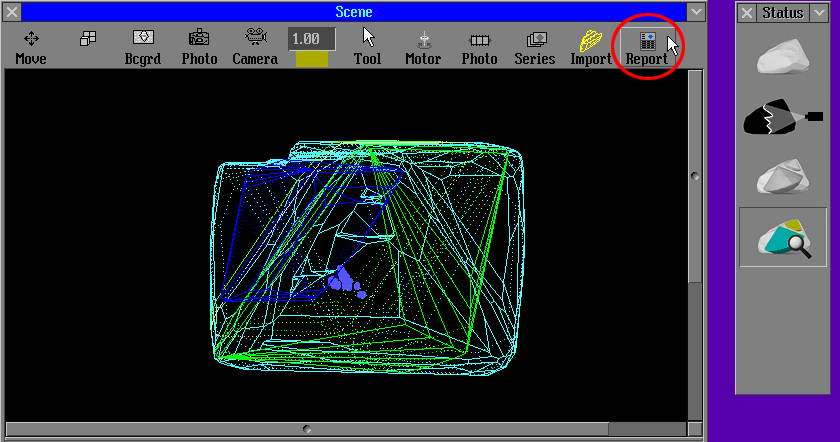
Rough report button is available in the Scene in Expert mode. It`s opens default report which is set in the Report preview panel.
5. Option "Set layer by handle" in Tools menu
|
















