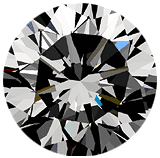
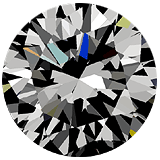
Export to GemAdviser software format. The DiamCalc 2.0 has a
possibility to save the certain diamond in the GemAdviser .gem
format. You can send this file to your customers by e-mail, put
on your website or deliver by any other means allowing your customer
or partner to open this file with a free
GemAdviser software. With the GemAdviser software your customer
can get an idea of the diamond appearance ("photo realistic"
rendering mode and animated picture with diamond tilting in different
directions) and to make a preliminary conclusion about the cut
quality.
Import
of the real diamond 3D models generated with the Sarin
machines (Sarin Web Viewer files). This allows you to work
with the 3D-model of REAL DIAMONDS. As opposed to the parametrical
models based only on the angles and other cut parameters obtained
from diamond report, this feature gives you the REAL 3D-model
of certain diamond based on the information about EVERY FACET
of this diamond. A number of diamonds with attached .srn data
is avail-able for RapNet
users.
Support of the DXF
format. DXF Import: this feature allows you to use cut designs
saved with this format. You can find a couple of free cut designs
saved with this format at http://www.3dlapidary.com
Support of the DXF format. DXF Export: this allows you to export
any diamond you have in the DiamCalc (including all kind imported
cut) to AutoDesk drawing exchange format (DXF) sup-ported by many
3D software packages including AutoCad, 3D Studio MAX etc.
Advanced options for ray tracing view: multiple rays from eye
including scaled view showing an observer, intensity and power
display for the partial rays.