 |
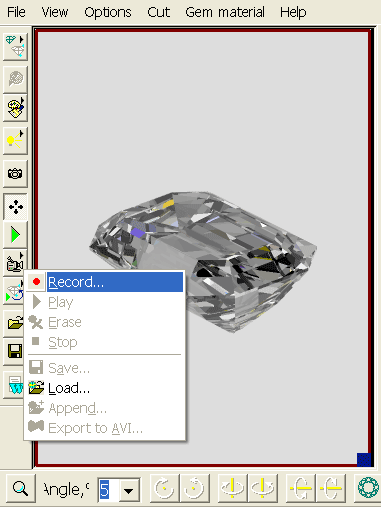
How to record and play a movie?
This is a major improvement in diamond display as it features a moving image of the diamond allowing a dramatic
view of the diamond's scintillation and sparkle. This new feature and several other new additions to DiamCalc capabilities enhances
its use in both research in diamond cut design and use in displaying
to a customer the brilliance, fire, and sparkle of well cut
diamonds. This movie feature is fully integrated into the other
advanced features of DiamCalc, so that the moving diamond image
may be observed under all the varied and special lighting conditions
supplied with the program. Go to Options->Animation menu or
just click on the "camera" button to begin using this feature.
|
|














